

If you missed the live event, click the image below to watch the replay ⬇️
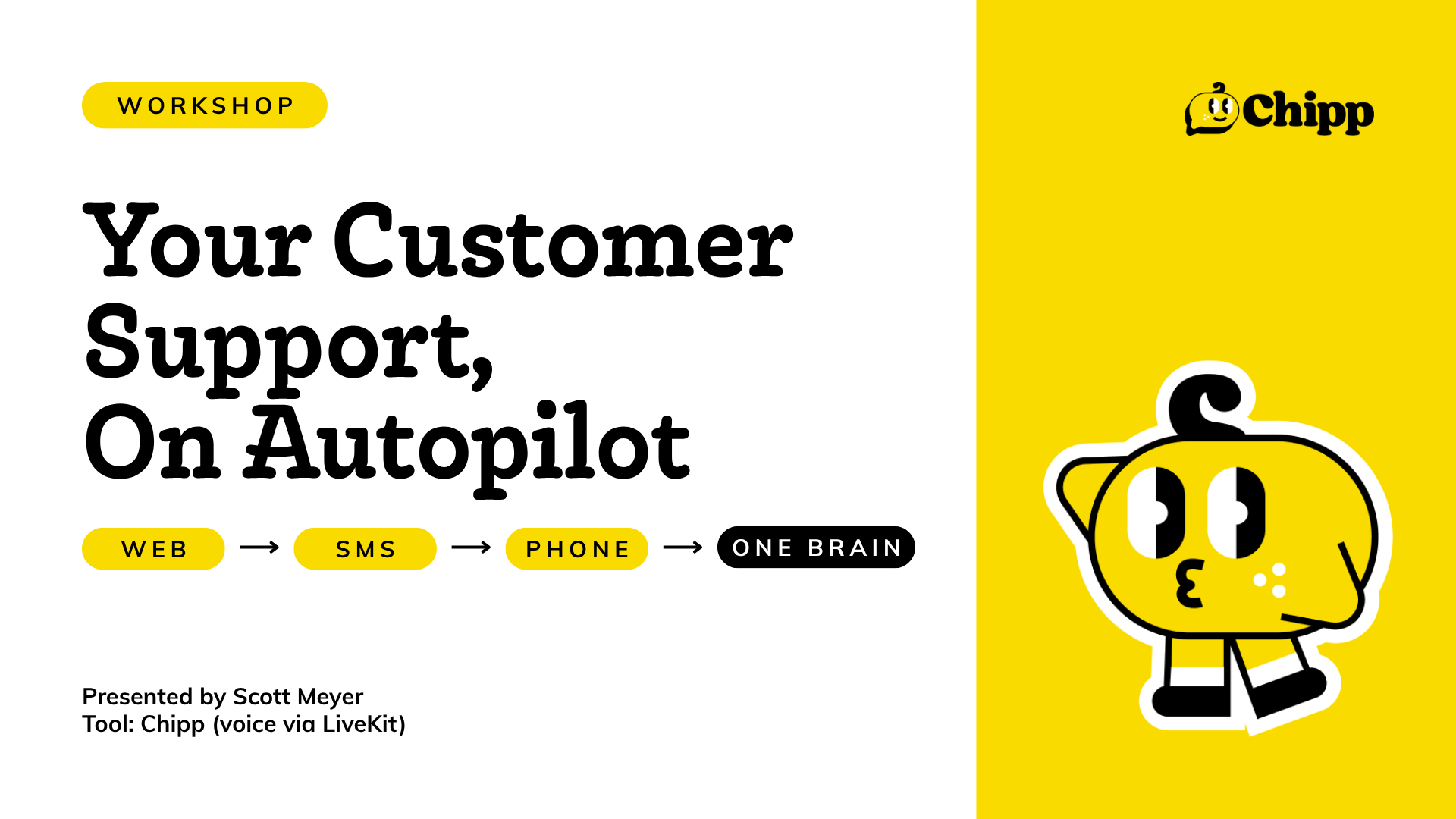
Missed our live session? No worries. Recording is here.
Scott walked through everything you need to know about using AI for customer support, from the tech behind it to real examples of businesses already running it. Here's a breakdown of everything covered.
Why AI Customer Support is Different Now
This is not the answering machine of the past. The old answering machine was really just a message-taking machine. It never gave answers back. Now, AI can actually answer questions and take a message. That's a big deal.
A few things that change with AI-powered support:
- Always on, 24/7, no hold time
- Everything is logged and searchable
- Multilingual out of the box, no extra setup needed
- Scales on usage, not headcount
One data point from Chipp's own experience: when users are given the option to talk to a human or keep going with AI, about 60% stick with the AI to get their answer.
Two Ways Voice AI Works
Understanding how voice is built helps you pick the right setup for your use case.
Real-Time Voice
This is the highest-quality option. Two WebSockets stay open throughout the call, so speech goes in and comes back out without being converted to text in between. The result is super low latency, natural conversation, and better interruption handling. Great for tutoring or high-touch customer support where you want it to feel as close to human as possible. It is also the most expensive option.
Speech-to-Text and Text-to-Speech (Pipeline)
The most popular approach. Your voice gets transcribed to text, the AI processes it, and then turns the response back into speech. More steps, slightly more latency, but way more flexibility. You can mix and match providers and swap out components as things improve.
Bottom line: real-time feels the most human. Pipeline gives you the most control.
Building One Agent, Deploying Everywhere
A common mistake is building a separate agent for every channel. Instead, build one brain and deploy it across platforms, each with slightly tweaked instructions. This keeps things manageable and consistent.
Channels you can deploy to:
- Web chat — the chat bubble on your site
- SMS and WhatsApp — same brain, different interface, keeps conversation history
- Phone — a dedicated number your AI picks up
For phone, most businesses start simple. Forward your existing business number to your AI number after hours, say 5 PM to 8 AM. When the team is back, shut off the forwarding. You get AI coverage without replacing your human team.
What You Can Teach Your Agent
Your agent's knowledge and behavior are fully customizable. You can give it:
- Business knowledge — hours, services, product catalog, FAQs
- Tone — short and polite for phone, warmer for chat
- Escalation rules — when does the call go to a human and which department?
- Tool access — connect it to your CRM, booking software, Calendly, and more
Tools are what make agents actually useful in real time. AI already knows what teeth whitening is, but it does not know if your 2 PM slot is open. That is what tools are for.
Real Example: Catalyst Medical Center and Clinical Spa
Catalyst has two sides to their business. The spa side covers facials and massages. The medical side covers dermatology and ENT. Two booking systems, different rules for each.
Here is how they are running it:
- Real-time voice stack for the best call quality
- AI takes over at 5 PM and humans handle the day
- Booking integrated with Zenoti for spa appointments and eClinicalWorks for medical
- Medical appointments are human-only since certain procedures need pre-screening
Before AI, Mondays started with an hour of voicemail catch-up. Now the team comes in with a prioritized, searchable log of everything that came in over the weekend. Fewer follow-ups, faster response.
How to Keep Your Agent Getting Better
Deploying is just the start. The real value comes from the improvement loop:
- Log — every conversation is recorded and searchable
- Review — spot questions the agent did not answer well
- Improve — paste those questions into The Alchemist and let it update the agent
- Redeploy — push the updated agent live
Catalyst does this every two weeks. You can see exactly what people are asking and tune accordingly.
Voice Customization: More Than You Think
- Choose from dozens of voices across providers
- Clone a voice by recording about a minute of audio and the agent takes on that tone
- Accent matters, especially for multilingual use cases. Consider cloning someone who speaks the dialect your customers use
- Set interruption sensitivity higher for quiet phone calls and lower for noisy in-store environments
- Multilingual by default. The agent detects the caller's language and responds in kind, no extra training needed
Call Routing and Transferring
No more pressing 1 for English or 2 for support. AI handles triage intelligently.
Two ways to do it:
- Keyword-based — say "emergency" or "human" and it forwards to the right number
- AI-based — the agent reads the conversation and decides where to route based on topic or tone
You can also set up outbound campaigns now for appointment reminders, follow-ups, and cold outreach. Upload a CSV, set calls per minute, and let it run.
Building Your First Agent
Want to try it? Start here:
- Go to chipp.ai and sign up, it is free
- Click Templates and search for Phone Receptionist
- The Alchemist will walk you through personalizing it, just answer a few questions
- You will have a working agent in about 60 seconds
For voice cloning and phone numbers you will need a Studio or Studio Pro plan. Phone numbers are about $1 per month and usage is charged per actual second, nothing is rounded up.
What is Coming Up
- 📅 Autonomous Marketing (May 20) — drop in a transcript or blog post and get content across every channel automatically.
- 💻 Autonomous Dev (May 27) — for the technical folks, see how Chipp's dev cluster is built and try it yourself
- 🎓 Business Agents of Change — a hands-on 6-session cohort starting May 12. Build a full support stack, sales stack, ops stack, and analytics stack.
Questions? Reach Scott at scott@chipp.ai


